
One tool that makes your ATS & CRM smarter with every call.
AI notetaking that turns daily recruiter conversations into a firm-owned revenue asset.
The agencies that win aren’t just making more calls. They’re keeping more of what those calls teach them. Wiggli captures the real intelligence inside every conversation: salary ranges, objections, availability, client nuance, contractor preferences, and next steps. Every summary is structured, searchable, and attached to the right record. Over time, your firm builds a real asset: years of relationship context that stays put.
3 hours of post-call admin eliminated per vacancy
· No credit card required · Setup in under 10 minutes
The admin you never see is slowing every desk.
Recruitment calls create revenue signals.Most teams still bury them in notes, memory, and inboxes.
saved per vacancy
on post-call admin
AI captures, summarises, and files before the next call starts.
notes left in a
personal doc
Every call summary lands on the right ATS or CRM record. Automatically.
of call context survives when a recruiter leaves
The knowledge belongs to the firm. Not the individual.
tab. Not six. Finally.
ATS + CRM + notetaker + outreach + sourcing + analytics
Your best recruiters are walking out with your most valuable asset.
Every call your team makes contains intelligence that drives placements. What a candidate actually wants, not just what their resume says. The salary figure that came up. The objection a hiring manager raised. The reason the last placement didn’t stick.
Almost none of it gets captured.
The best-case scenario is a recruiter writes three lines in the ATS after the call. More often, it goes into a notebook, a personal Google Doc, or nowhere at all. When that recruiter closes their laptop, the context goes with them.
When they leave your firm, it’s gone entirely.

The cost your P&L does not show:
The real failure is structural, not behavioral.
Recruiters aren’t lazy. They have another call in 15 minutes. A shortlist to prepare. Two client emails waiting. The notes are a casualty of a broken workflow… not a broken team.
Wiggli captures every call automatically. The summary is written, filed, and searchable before the next call starts.
From live call to searchable ATS record, in zero manual steps.
Wiggli doesn’t help recruiters take better notes.
It removes the note-taking task entirely. Here’s how:
Automatic Call Capture
and Transcription
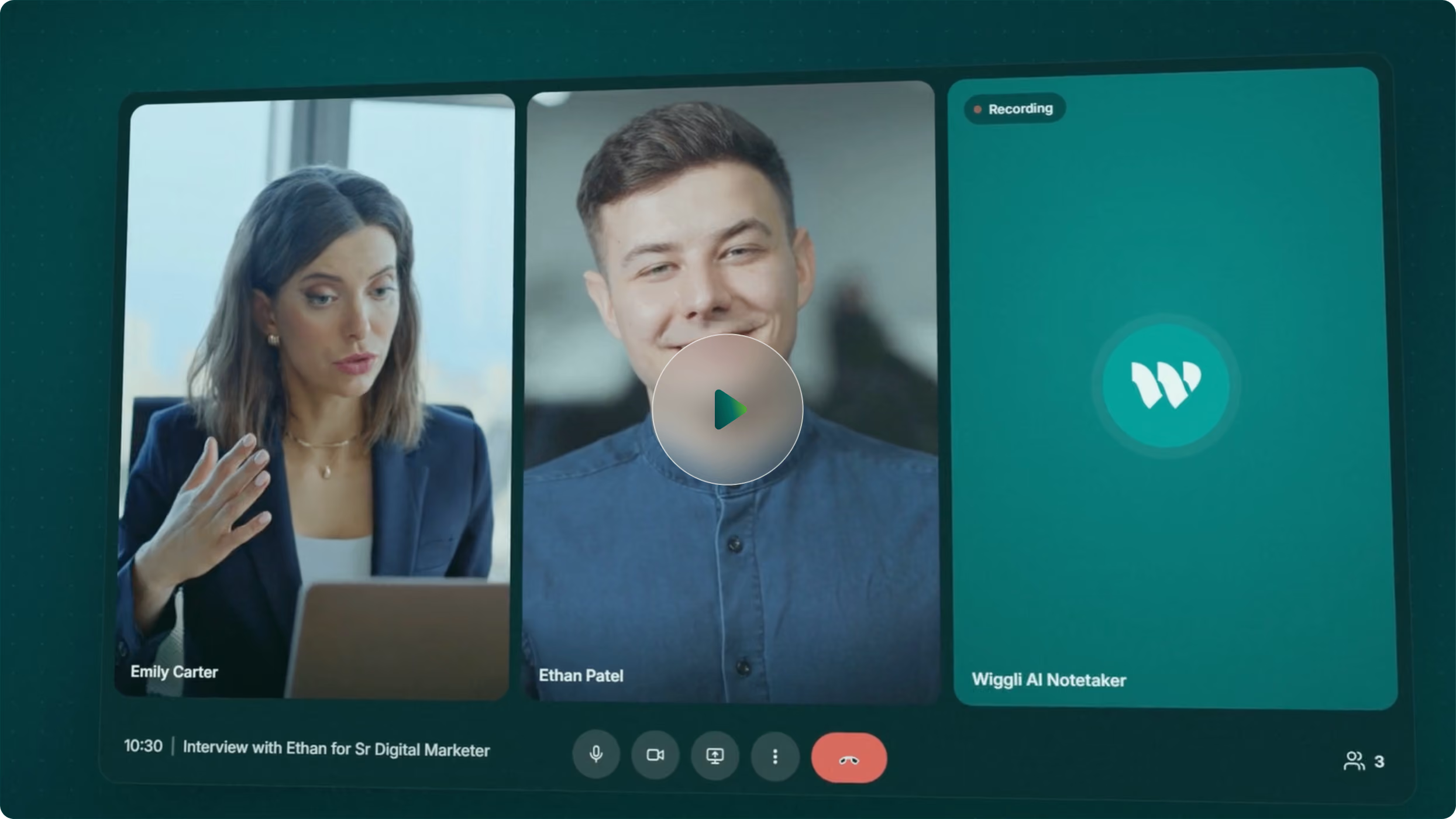
The call starts. Wiggli joins automatically.
Every word is transcribed in real time. Candidate interviews, client briefings, pre-qualification calls, reference checks, salary negotiations, all captured without the recruiter touching anything.No bot invite needed.
No manual recording. No "can you remind me what we discussed?" The call is already captured.
Structured AI Summary:
Not a Wall of Text
A transcript is not useful on its own. Wiggli does not just transcribe. It summarizes.
The AI generates a structured brief from the call: key qualifications raised, salary discussed, availability confirmed, objections noted, next steps agreed. A colleague can read the summary in 90 seconds and act on it immediately.
One recruiter writes a paragraph. Another writes two words. With Wiggli, every summary looks the same, structured, complete, and searchable by anyone on the team.
Auto-Filed to the Right Record
This is where standalone notetakers fail. The transcript exists: in a different app.
Tools like Otter, Fathom, and Metaview give you a document outside your ATS. The recruiter still has to read it, extract what matters, and manually update the candidate record. That manual step is exactly where context gets lost.
Wiggli files the summary directly to the correct record, automatically. A candidate interview summary goes to the candidate's ATS record. A client briefing summary goes to the CRM opportunity. Nothing needs to be filed. Nothing ends up in a personal notes app.
Searchable Intelligence
Across Your Entire Call History
This is the capability standalone notetakers never reach.
Once every call is captured and structured, the accumulated history becomes queryable. Find every conversation where a specific salary range was discussed. Every client who raised a budget objection. Every candidate who mentioned relocation. Every reference check that flagged a concern.Patterns that would take weeks of manual analysis become visible in seconds. Because the data is structured at the point of capture, not dumped as raw text, every query returns something useful.
The Knowledge Stays
When Recruiters Leave
This is the highest-value feature for any recruitment leader.
When a recruiter departs, the knowledge walkout costs agencies between $45,000 and $180,000 per senior departure in degraded client relationships and lost pipeline context (ABA / Practiq benchmarks). The incoming colleague takes 3-6 months to reach effective performance on inherited accounts.
With Wiggli, the incoming colleague opens the record and reads every call that ever happened. What was discussed. What the candidate said about their timeline. What the client expects. What next steps were agreed. They inherit context, not a blank slate.
The knowledge belongs to the firm. Not the individual.

What recruitment leaders ask before ditching the notebook for good.
Wiggli captures calls automatically once the calendar and meeting integration is active. No bot invite required. No manual recording trigger. The recruiter starts the call and the capture begins. The summary is ready before the next call starts
The structured summary is filed directly to the candidate's ATS record automatically. No manual filing step. No separate app. The summary is attached to the correct record, timestamped, and visible to every team member who opens that candidate's profile. For client briefings, the summary files to the CRM opportunity record.
Standalone notetakers give you a transcript in a separate tool. The recruiter still has to read it, extract the relevant information, and manually update the ATS or CRM record. That manual step is where context gets lost. Wiggli generates a structured summary inside the platform and files it to the correct record automatically. Nothing leaves the workspace. Nothing needs to be migrated.
Every call summary is searchable and visible to the entire team based on their access permissions. When a recruiter inherits a candidate or client account, they see the full call history from every previous interaction. No warm-up period. No "let me catch you up" email. The context is already there.
With Wiggli, nothing is lost. Every call that a recruiter made is captured, structured, and attached to the correct ATS or CRM record permanently. The incoming colleague opens the record and reads the full history. Relationship context, salary discussions, objections raised, next steps agreed, all present. The knowledge belongs to the firm, not the individual.
AI Notetaker is fully integrated with Wiggli's ATS, CRM, Pipeline Management, and Analytics modules. A call summary generated by Notetaker automatically updates the candidate's pipeline status, triggers any agreed next steps, and feeds into the AI screening assessment.
Setup takes under 10 minutes. Connect your calendar and meeting tool, and Notetaker activates for all future scheduled calls. Your team can be capturing, summarizing, and filing call intelligence from day one (with no IT project and no migration required).
Your ATS went from goldfish memory
to elephant memory. Overnight.
Yesterday it forgot everything the moment the call ended. Today it remembers every candidate. Every salary discussed. Every objection raised. Every next step agreed.
But here’s the bigger picture.
The agencies that win over the next five years aren’t just filling roles faster. They’re building knowledge assets. A database that gets smarter with every call. A team that inherits context instead of starting cold. A firm whose best intelligence stays put when its best people move on.
Your competitors are still typing up notes. You’re building an asset they can’t replicate.That’s not a feature upgrade.
That’s a different agency.