
One place for every call. No more warm candidates treated cold.
Wiggli gives recruiters the context to call smarter, convert faster, and protect the fee.
A warm candidate can look cold when the last call never made it into the ATS. That means the next recruiter opens the record, sees no history, and starts with the dreaded “just checking in.” Wiggli pulls the call into the same place as the ATS, CRM, outreach history, and candidate timeline, so the recruiter knows what was sent, what was said, and what happened last. That’s the difference between a recruiter a candidate remembers and one they send to voicemail.
"Pipeline accuracy went from guesswork to real."
Operations Director, IT Staffing Agency
manual call logs
Every call lands where it belongs
seconds
Last call. Last outcome. Ready before dialing
of calls visible
to leadership
Timestamps, duration, outcomes, and recordings captured
workspace
VoIP + ATS + CRM + outreach + analytics
Your pipeline data is built on calls nobody logged.
Here’s what happens at most agencies. A recruiter hangs up after a strong call. They have three more calls queued. They make a mental note to log it later. Later never comes.
That candidate stays marked "not contacted" in your ATS. Two weeks later, a colleague calls them again. The candidate remembers your agency did not. That impression does not come back.
This isn’t a recruiter discipline problem. It’s a system design problem. When logging a call takes more effort than making the next one, logging loses. Every single time.
Agencies lose an average of 50%+ of call activity from their ATS records. Coaching decisions, capacity reviews, and pipeline reports built on that data are not decisions. They are guesses.

What your team is living right now:
Wiggli fixes this at the infrastructure level. Every call logs itself.
From a call that disappears to a record that compounds.
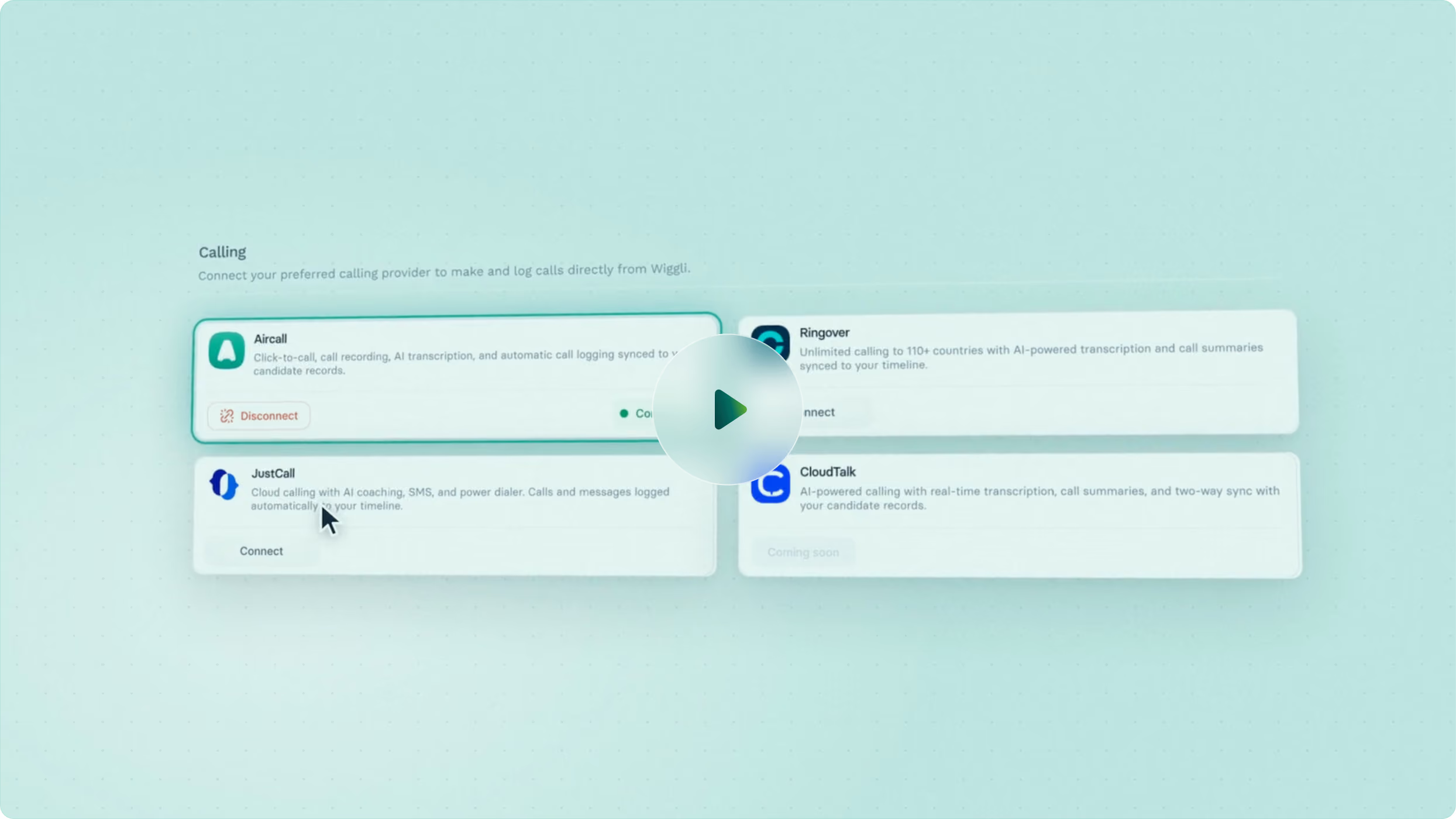
Every call your team makes through Aircall or Ringover flows directly into Wiggli. No extra step. No toggle. No dashboard to check later. The call ends and the record updates automatically.
The work your system should be doing for itself.
Every call is logged with timestamp, duration, outcome, and participant the moment it ends. Zero manual entry. Your ATS reflects your team's real activity, not a partial version of it. Pipeline managers see accurate data without chasing anyone.
Context in 30 seconds, not 30 minutes.
Every recording is attached directly to the candidate or client record in Wiggli. Before a follow-up call, a recruiter plays the last conversation right from the ATS. Before a client meeting, an account manager listens to the placement discussion from the CRM. No searching. No "does anyone remember what we said?"
Your recruiter calls at exactly the right moment, with full context.
When email goes unanswered and a WhatsApp message gets no reply, Wiggli fires a VoIP call task automatically. The recruiter opens the task and sees the full interaction history across every channel. They call knowing what was said, what was sent, and what went unanswered. The outcome updates the sequence automatically
Your commercial pipeline is as well-documented as your candidate pipeline.
Every call to a prospect or client logs against their CRM record automatically. Account managers see when a client was last contacted, by whom, and what the outcome was. Duplicate outreach becomes visible before it damages a relationship.
From “just checking in” to full context before every call (without chasing notes).
Wiggli VoIP connects natively with:
What recruitment leaders ask after finding a warm candidate logged as "not contacted."
No. Wiggli integrates natively with Aircall and Ringover. You keep using the calling tools your team already knows. Wiggli adds automatic logging, recording attachment, and ATS sync so nothing gets lost between the call and the record.
Every call is logged automatically the moment it ends. Timestamp, duration, outcome, and participant are captured with zero manual entry from the recruiter. The record in the ATS updates itself.
Recordings are attached directly to the candidate or client record in Wiggli. A recruiter can play the last call from the ATS without searching a separate platform or asking a colleague.
Yes. Because every call is logged automatically, the activity data in Wiggli reflects what is actually happening, not what recruiters remembered to log. Team leaders see timestamps, durations, and outcomes across the entire team.
Yes. Calls to candidates log to the candidate record in the ATS. Calls to prospects and clients log to the CRM record. Both pipelines get the same complete call history.
Yes. All call logs and recordings are attached to the candidate or client record in Wiggli, not to the individual user's account. When someone leaves, the relationship history stays. A new consultant picks up the record and has the full call history from day one.
VoIP integration is part of the Wiggli Recruitment OS. It is not a separate tier or add-on. It connects with the ATS, CRM, Outreach Sequencer, and Analytics natively. Everything is already in the same workspace.
Stop managing a team you can’t see.
Every call your team makes is a data point. Right now, most of those data points are invisible. Wiggli makes them visible, automatically, from the moment you connect your VoIP.